Summary
Is your website secure? Many businesses assume they won’t be targeted by hackers, but outdated software and weak security make websites vulnerable. A hacked site can damage your reputation, harm SEO, and put customer data at risk. In this post, we explain how to secure your website with strong passwords, regular updates, secure hosting, and backups. If your website has been compromised, CMS Live can help restore and protect it.
You will learn
- How to secure your website and prevent common hacking threats.
- The biggest vulnerabilities hackers exploit and how to fix them.
- Steps to take if your website has been hacked and needs recovery.
Website Hacking: A Growing Threat
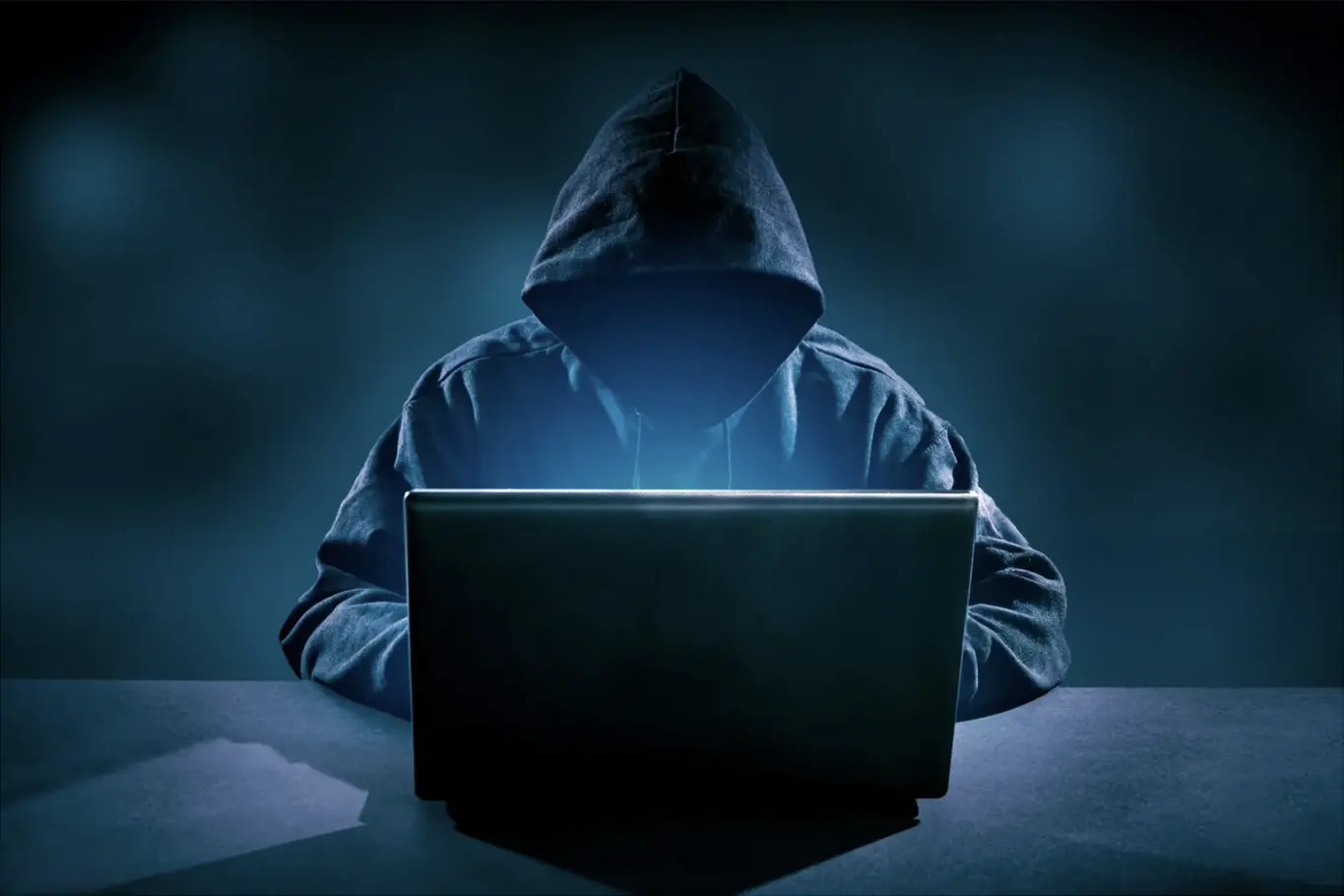
If you’ve ever had your website hacked, you’ll know how stressful and frustrating it can be. Suddenly, your online presence is compromised, customers can’t trust your site, and fixing the damage can be time-consuming.
Unfortunately, we’ve seen too many business owners come to us in a panic after their website has been breached. By the time they notice, the damage is often already done—customer trust is lost, and Google may have flagged their site as unsafe.
Why Would Hackers Target Your Website?
Many business owners think, "My website isn’t important enough for hackers to target." But the reality is, hackers don’t discriminate. They scan the internet for vulnerabilities, often targeting outdated software, weak passwords, or poorly secured hosting environments.
A hacked website can be used to:
- Redirect visitors to scam websites
- Steal sensitive customer data
- Insert malicious code or phishing pages
- Harm your search rankings by injecting spam links
If Google detects your site has been compromised, it may display a “This site may be hacked” warning in search results—instantly scaring off potential customers.
How to Secure Your Website
At CMS Live, we take website security as seriously as design and performance. Here are key steps we take to protect our clients’ websites:
- Strong, Unique Passwords – No default logins. All admin credentials are secure and unique.
- Regular Software Updates – We ensure your CMS, plugins, and scripts are always up to date.
- Secure Server Configurations – Server permissions are locked down to prevent unauthorised access.
- Admin Protection – Default usernames like admin are never used.
- Daily Backups – Our hosting includes free backups, so if the worst happens, we can restore your site quickly.
Common Website Vulnerabilities
Hackers often exploit:
- Outdated CMS platforms, plugins, or themes
- Weak passwords or default admin usernames
- Poorly configured servers and hosting environments
- Malware-infected computers accessing admin areas
- Unpatched security vulnerabilities in browsers
Think Your Website Has Been Hacked? We Can Help!
If you suspect your website has been compromised, don’t panic—we’re here to help.
Need emergency support? Get in touch now